
Manage SMS Conversations Across Every Tracking Number
With CallGauge AI, manage inbound and outbound SMS conversations from all of your tracking numbers in one centralized inbox. Our business text messaging platform provides a shared inbox for SMS, helping teams respond faster and manage text messaging for business without missed conversations.
No credit card required · Setup in minutes
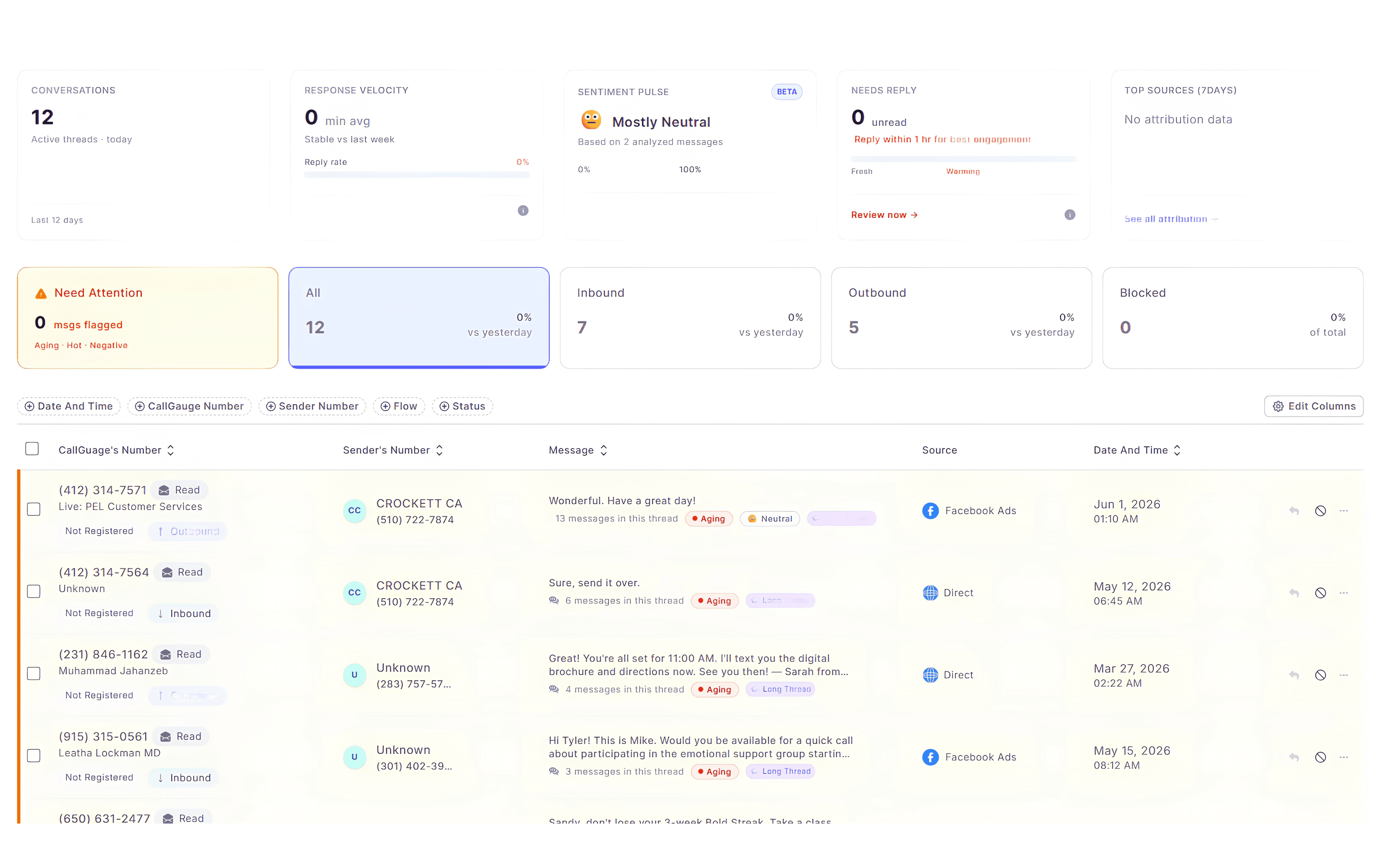
Unified Inbox
Consolidate messages from every tracking number into a single, manageable view
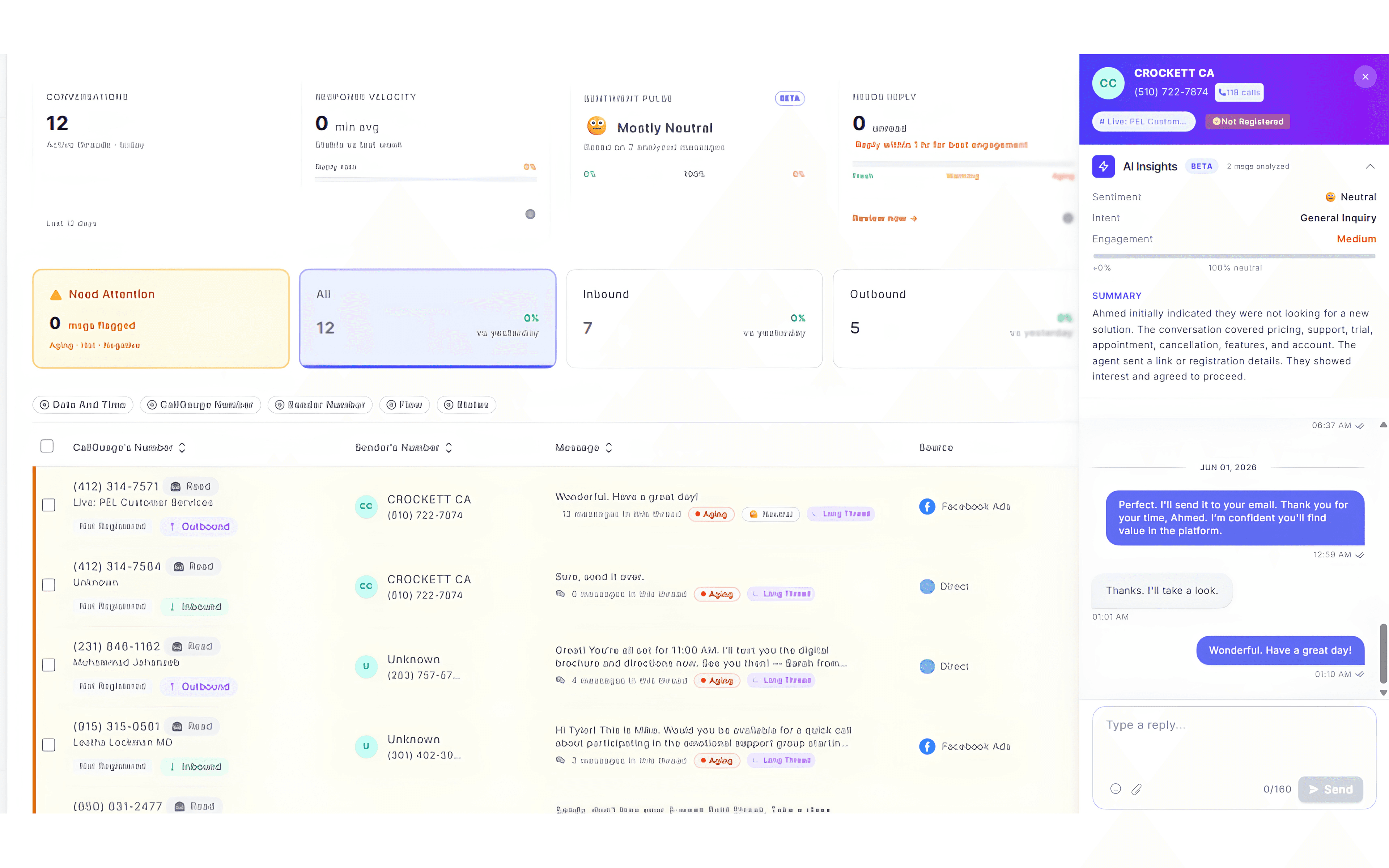
Threaded Context
View full conversation history in organized threads for every contact
Secure Delivery
Reliable SMS routing across all local and toll-free tracking numbers
Real-Time Sync
Instant notifications and updates for incoming messages in your inbox
Messaging Workflow
How Conversations Move Through Your Inbox
CallGauge AI helps you understand how SMS conversations are captured, organized and managed across your tracking numbers. From incoming messages to final actions, everything stays structured and easy to manage.
- Messages are captured across all your tracking numbers in real time
- Conversations are grouped into threads to provide you full context
- Status updates highlight your unread, read and pending activity
- Filters help you to locate specific conversations easily
- Actions like blocking or exporting are available within each thread
- Everything is handled from a single centralized inbox
Message Activity
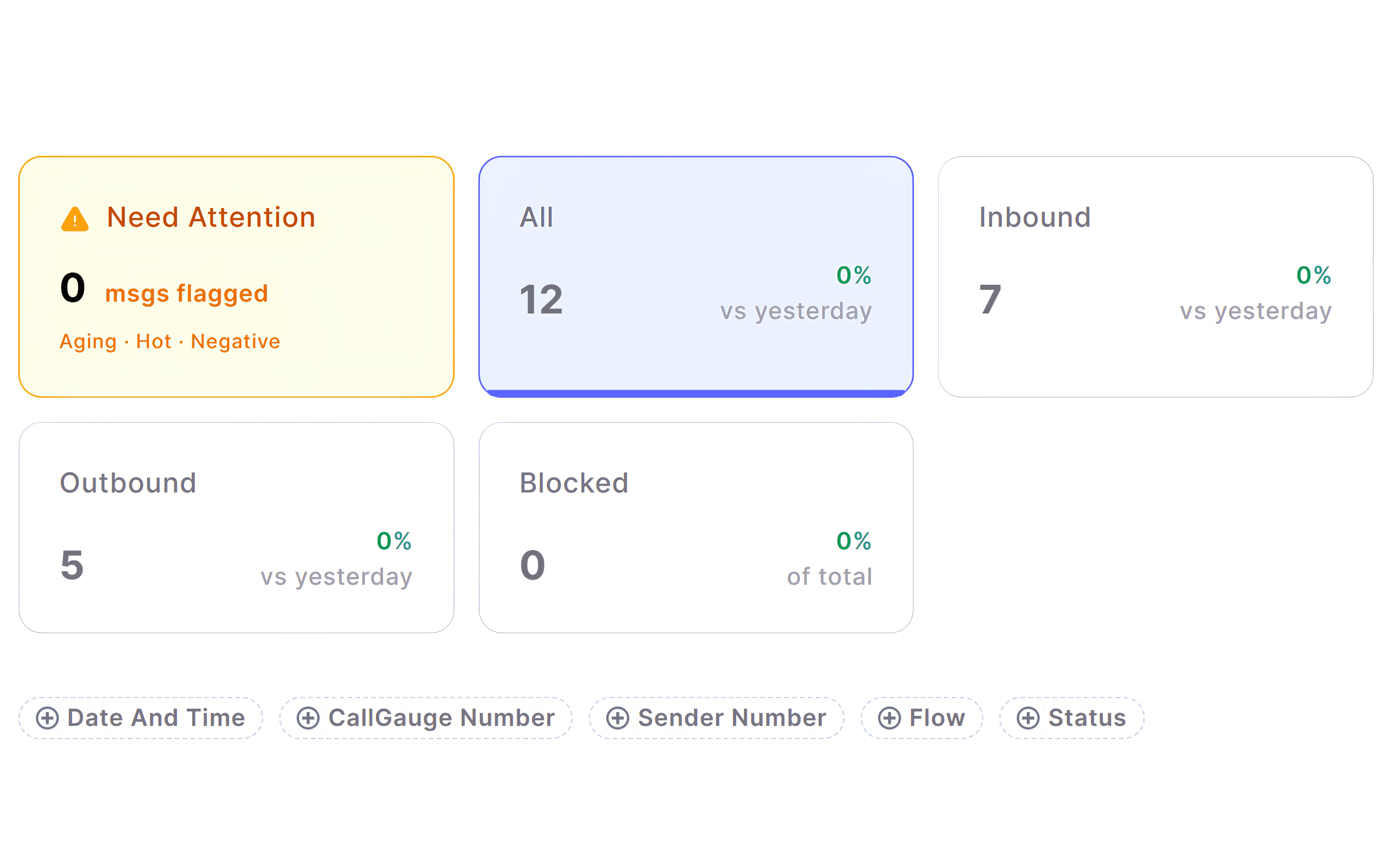
Track Message Activity and Engagement
Monitor how messages move across your tracking numbers to identify gaps, missed responses and conversation delays. Monitor all of your inbound and outbound activity, stay on top of conversations and maintain full visibility into every interaction.
Messaging Capabilities
Everything You Need to Manage Conversations
Inbound Messages
Receive SMS across your tracking numbers and capture every incoming conversation in one organized and structured place.
Outbound Messages
Send and manage outgoing messages from your centralized inbox with support for two way text messaging.
Conversation Threads
View grouped message threads to understand full conversation history and manage ongoing SMS conversations with complete context from a single inbox.
Message Status
Track read, unread and pending messages to stay updated about every interaction.
Message Filtering
Filter your messages by date, number, flow or status to quickly find the desired conversations.
Block Numbers
Prevent unwanted senders by blocking numbers directly from your inbox.
Export Conversations
Download your message threads when needed for records, reporting or sharing.
Column Customization
Adjust your visible columns to focus on the data that matters most to your workflow.
Who This Is Built For
Different teams rely on messaging for different outcomes and reasons. As a business messaging platform, CallGauge AI gives each role the visibility and control they need to manage SMS conversations with clarity and speed.
Marketing Teams
Understand which campaigns generate real conversations and measure customer text messaging activity alongside calls and leads.
Sales Teams
Respond faster, track ongoing conversations and ensure no inbound lead goes unanswered with better SMS lead management.
Agency Owners
Manage team text messaging across multiple clients and call tracking numbers from a single centralized workspace.
Operations Teams
Monitor their message volume, control workflows and maintain consistency across their inbound and outbound communication.
Stay on Top of Every Message
Never lose track of conversations or miss potential leads due to unmanaged messages. Keep messages organized, visible and ready for action from a single centralized inbox.
No credit card required. Setup in minutes.
Messaging FAQs
Can I receive messages on my tracking numbers?
Yes, inbound SMS is supported once your numbers are registered. All your incoming messages appear in your centralized inbox after setup.
Can I filter and search messages?
Yes, messages can be filtered by date, number, flow and status to help you find specific conversations quickly.
Can I see full conversation history?
Yes, messages are grouped into threads so you can view complete conversation context and history.
Can I block unwanted numbers?
Yes, you can block your desired numbers directly from the messaging interface to prevent further messages.